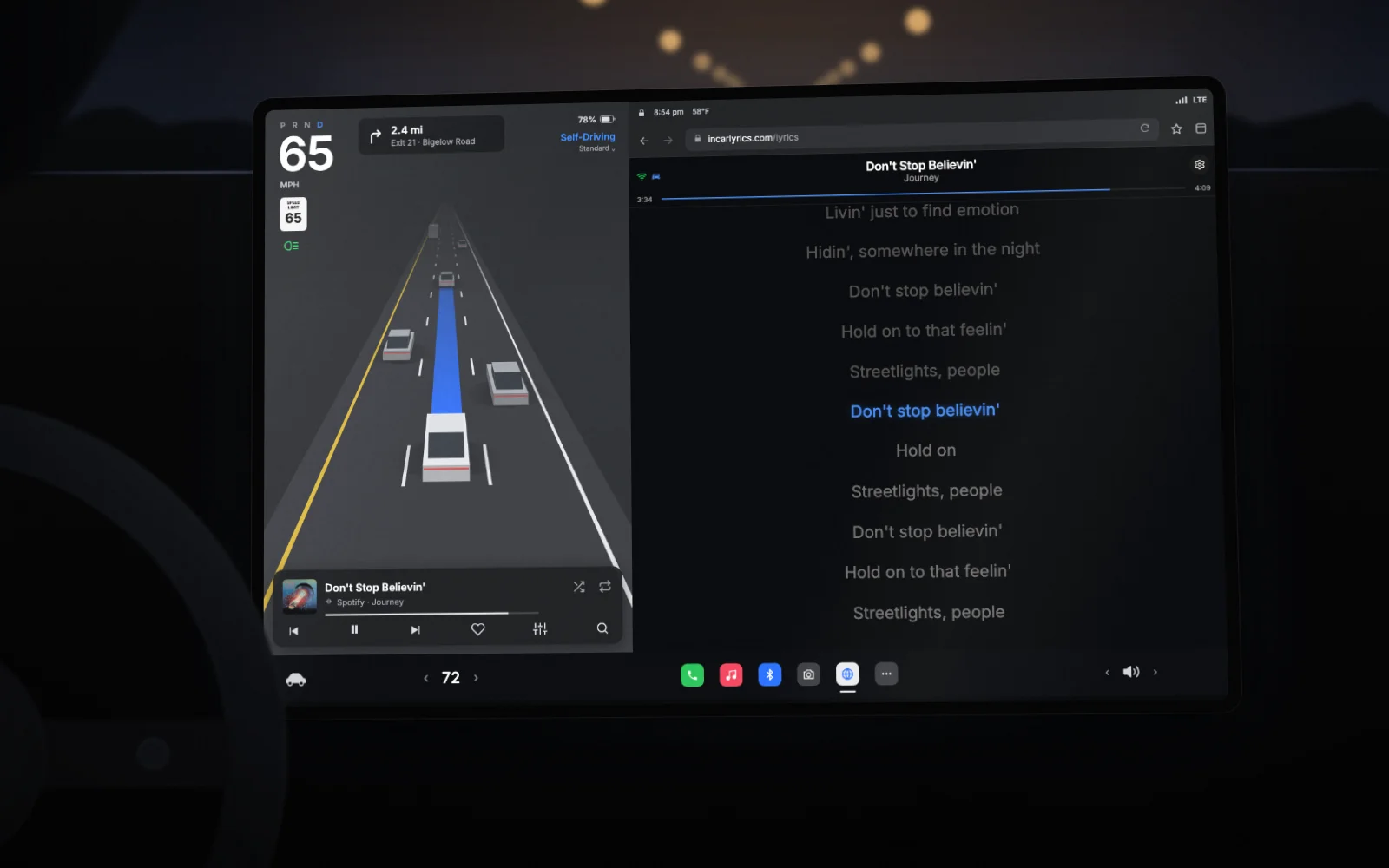
Live lyrics on your Tesla screen.
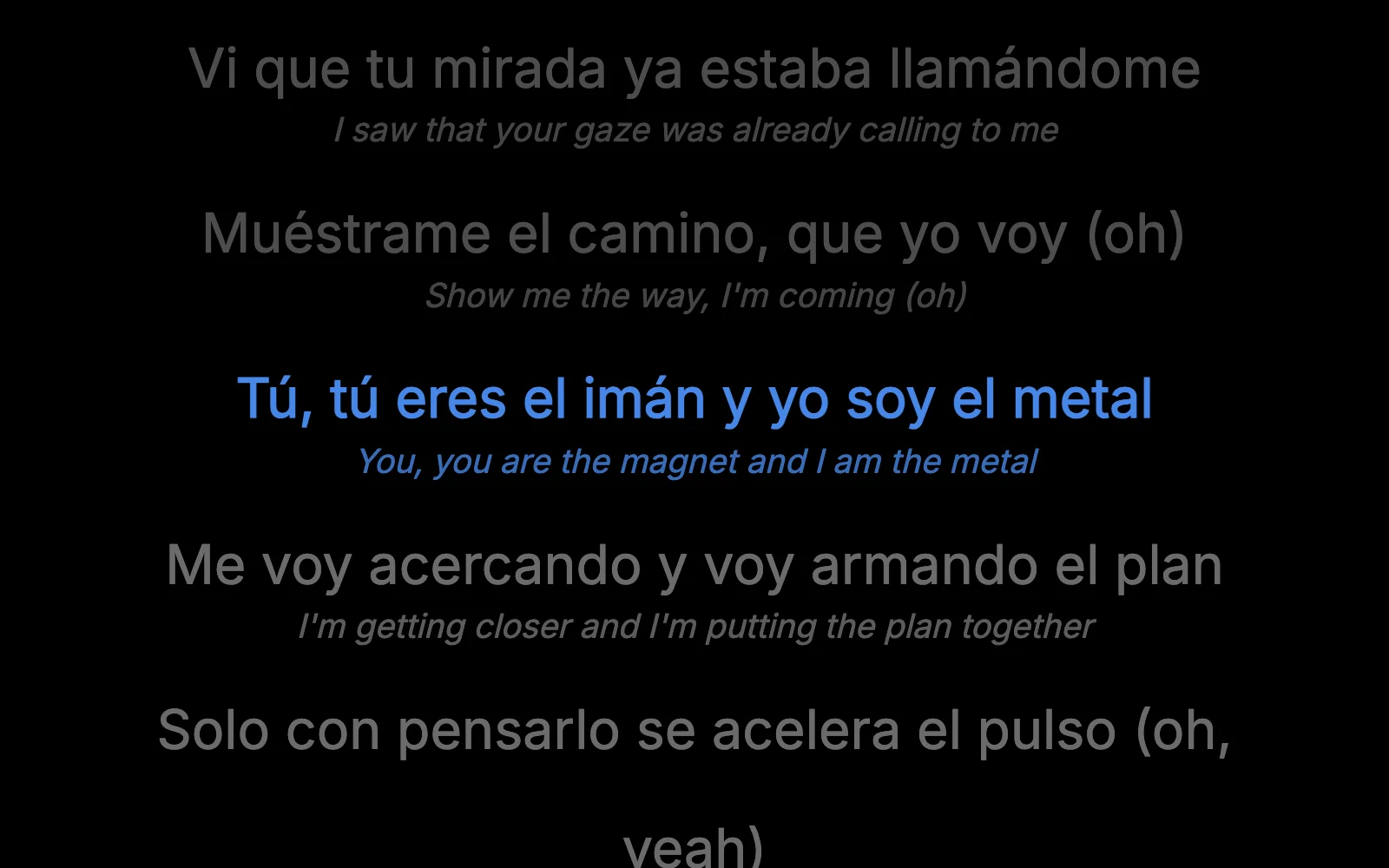
Karaoke-style lyrics in perfect sync with Spotify, Apple Music, Bluetooth, USB and radio. On your car's screen, while you drive.
No credit card required.
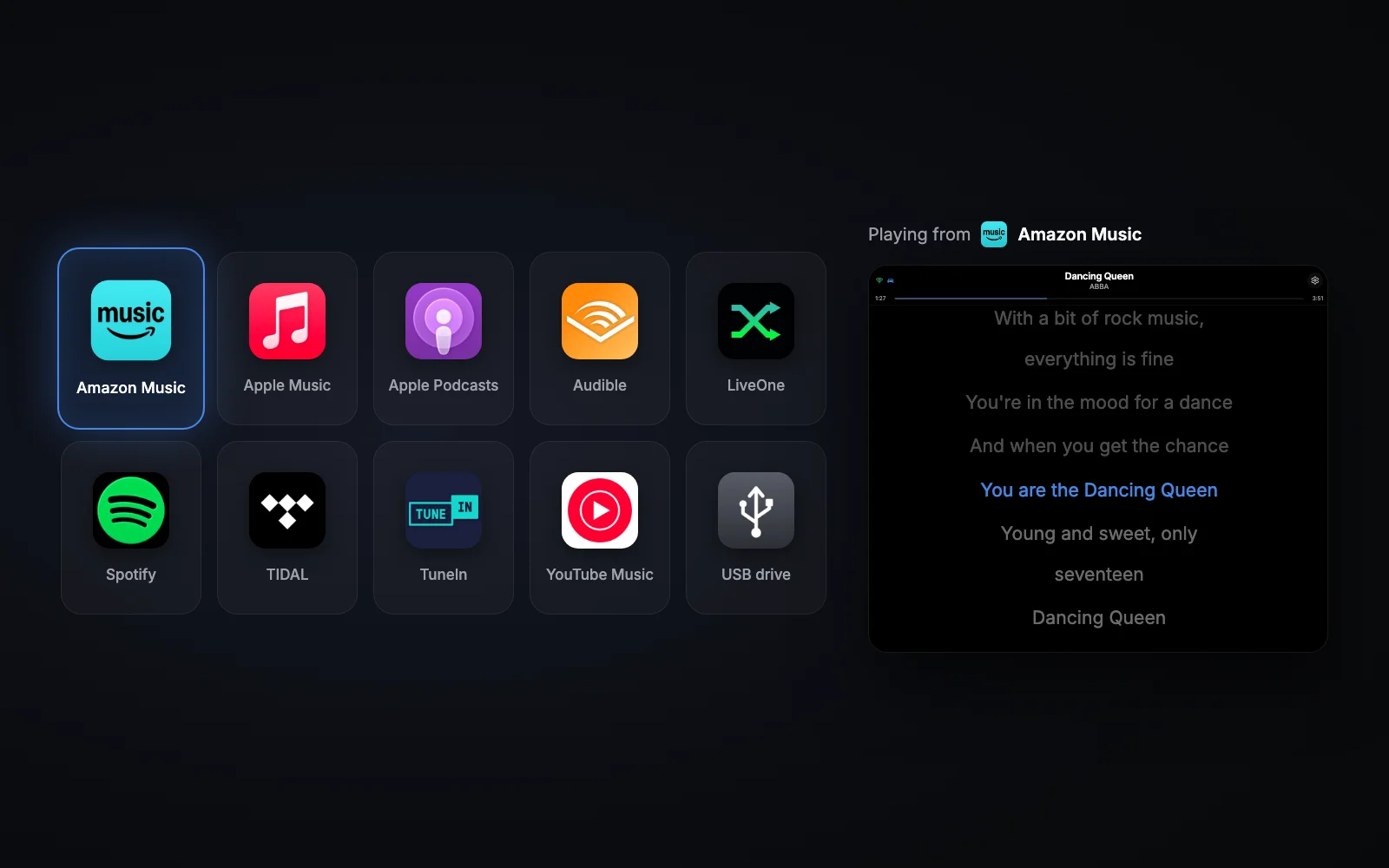
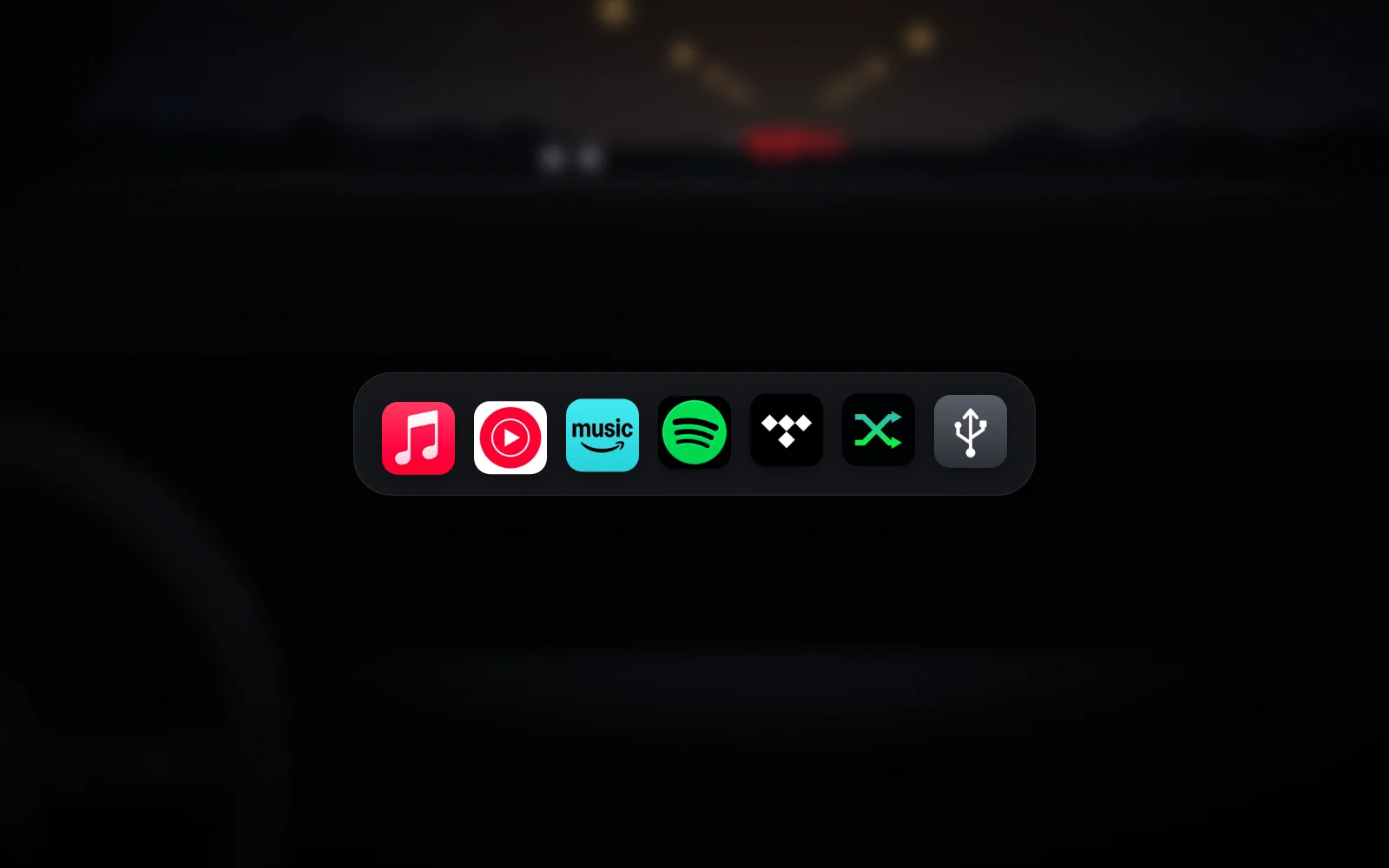
Works with everything your Tesla plays
- Spotify

- Apple Music

- Amazon Music

- TIDAL

- YouTube Music

- Radio

- Bluetooth

- USB drive

Lyrics that follow the song.
Never a beat behind
Lyrics stay locked to the song, line by line, from the first note to the last, while your hands stay on the wheel.
Works while driving
The lyrics stay up when you shift into Drive, and they shine on FSD. Big, bright type you can read at a glance.
Every music source
Spotify, Apple Music, Amazon Music, TIDAL, YouTube Music, Bluetooth, USB, radio. If your Tesla can play it, you can sing it.
Know what you're singing
Turn on translation and every line gets its meaning right underneath, in your language.
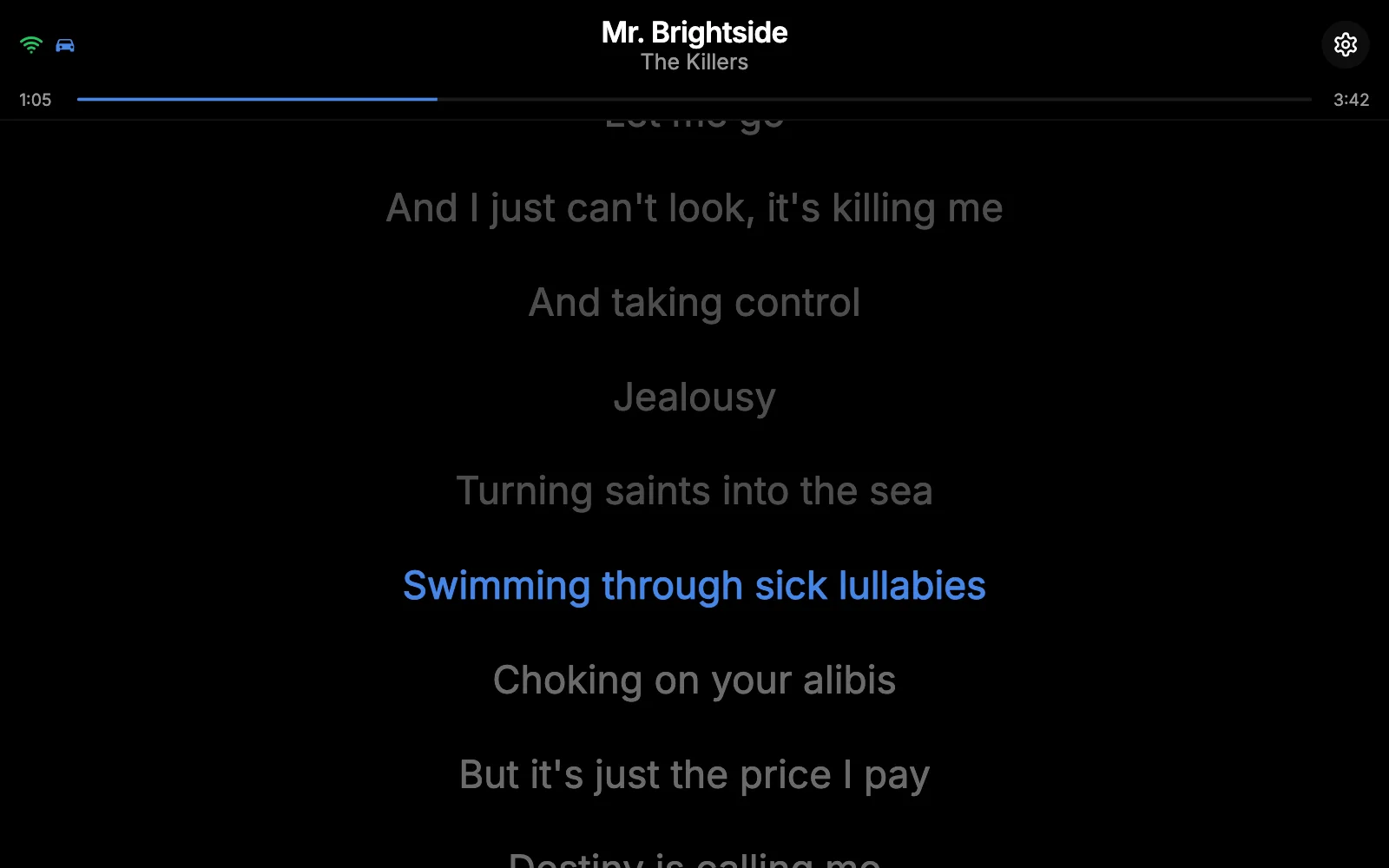
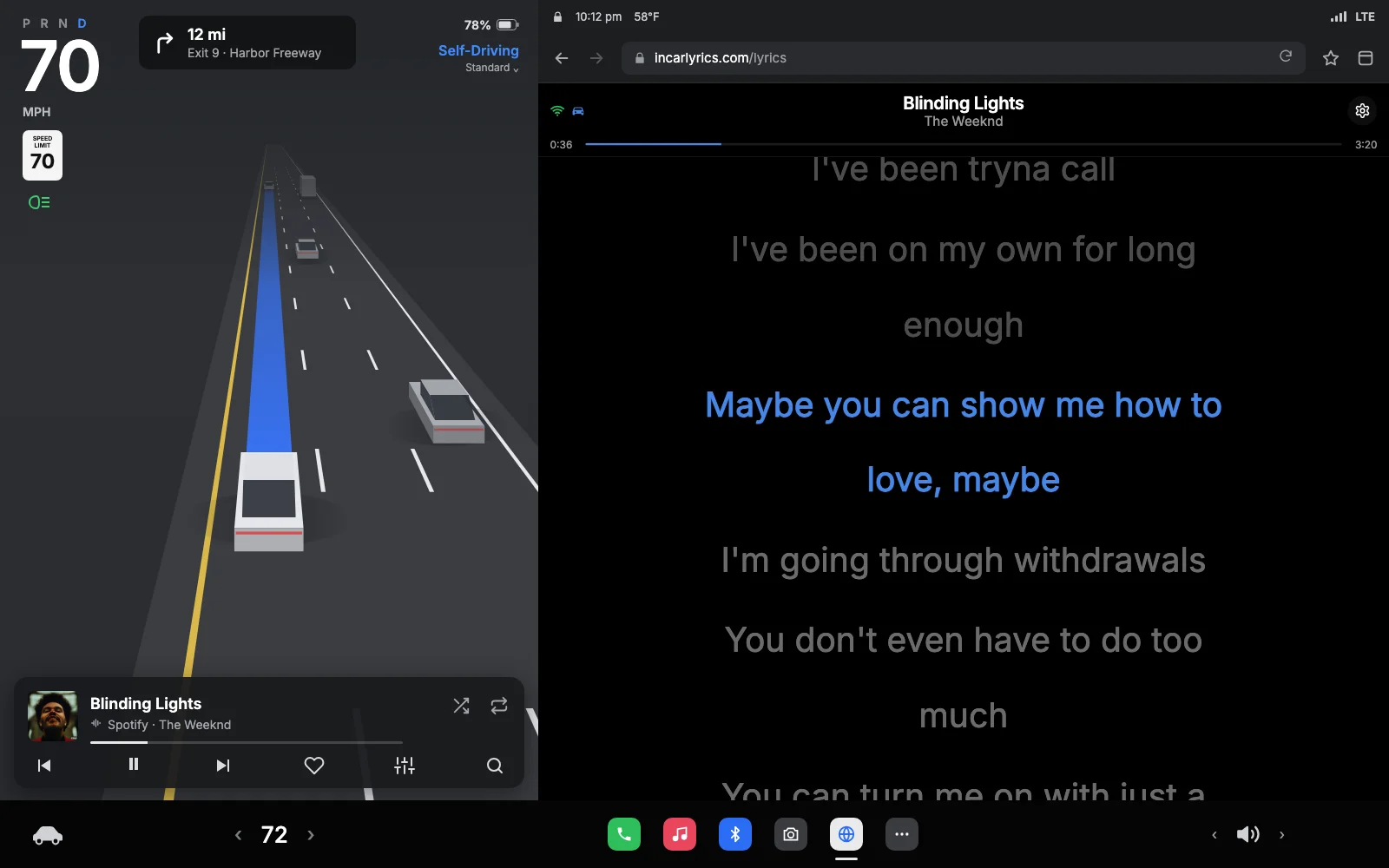
Ready in seconds.
Step 1: Play your music
Start a song from any source, the way you always do.
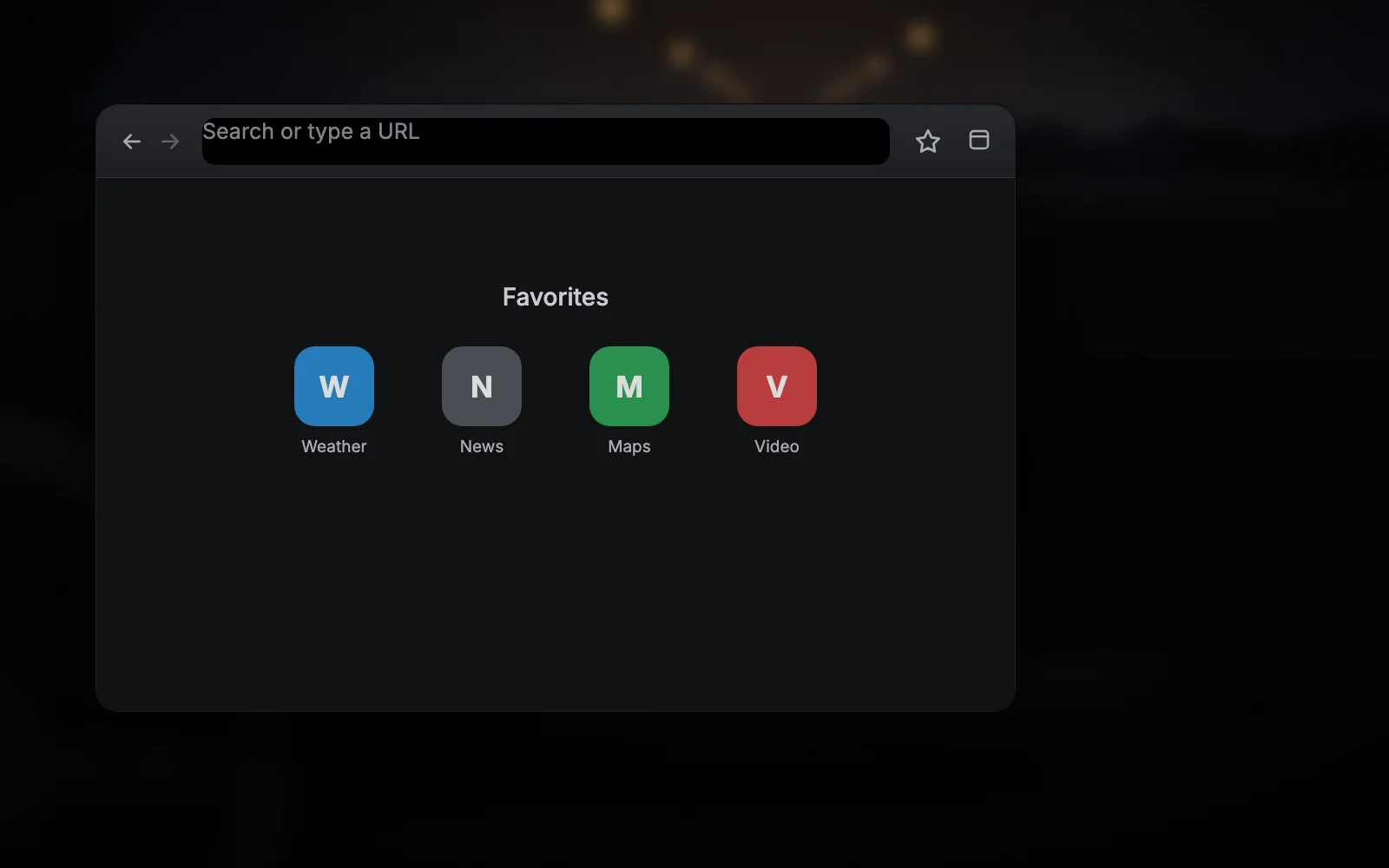
Step 2: Open the browser
Go to incarlyrics.com on your Tesla's screen. Bookmark it once.
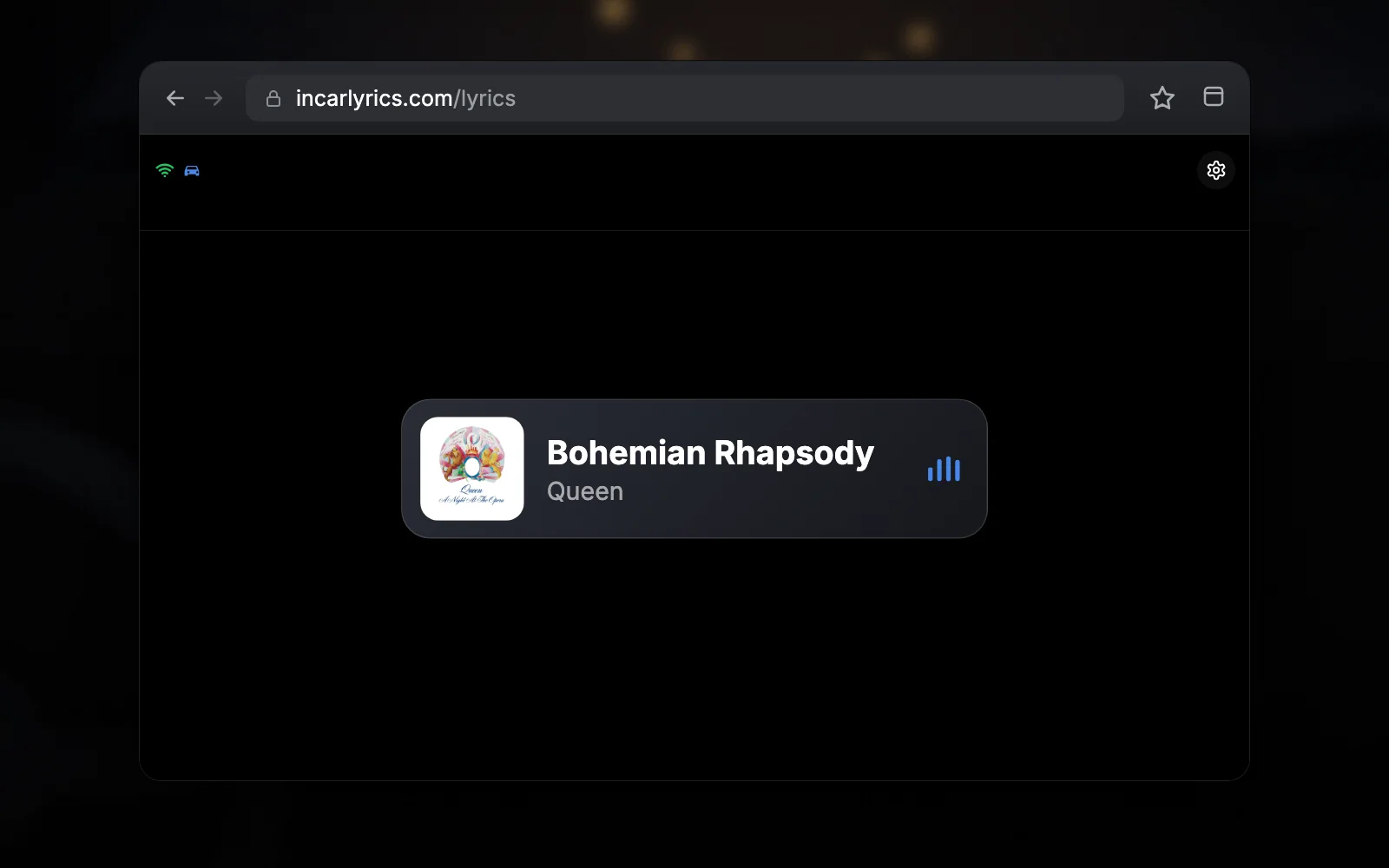
Step 3: Sing
We detect the song and the lyrics appear, in sync.
Set up takes less than 2 minutes. Nothing is installed in your car.
Simple pricing.
Four songs a day for free, unlimited when you're ready.
Premium
7-day free trial$4.99per month · or $49.99 per year
Unlimited songs and lyrics translation, plus priority support and early access to new features.
Start 7-Day Free TrialQuestions? Let's hit the right note.
How does InCarLyrics know what song is playing?
Once you sign in, we read the track your car is playing, with its title, artist and position, and match it to synchronized lyrics. It works for every source, because we look at what the car is playing rather than which app is playing it.
How is it different from Tesla's built-in Caraoke?
Caraoke only works with a limited catalog of songs, and those tracks aren't sung by the original artist. You hear a backing track with a different vocalist instead. InCarLyrics works with every song from every source, so you sing along to the real recording by the real artist.
Do I need to install anything?
No installation required! InCarLyrics runs in the browser that's already in your Tesla. Open incarlyrics.com on the car's screen and you're set. Your phone, your cables and your car's software stay untouched.
Does it work while driving?
Yes! Tesla's browser stays available in Drive, so the lyrics keep going. The display is built to be glanceable, with one bright line at a time, so keep your eyes on the road and let your passengers sing lead.
Is it free?
Yes! The Free plan gives you every feature with a limit of 4 songs per day. Premium removes the limit and adds priority support and early access, with a 7-day free trial.