Built for the driver's seat.
Lyrics you can read at a glance, timed to the second, from every source your Tesla plays. No menus, no taps, just sing.
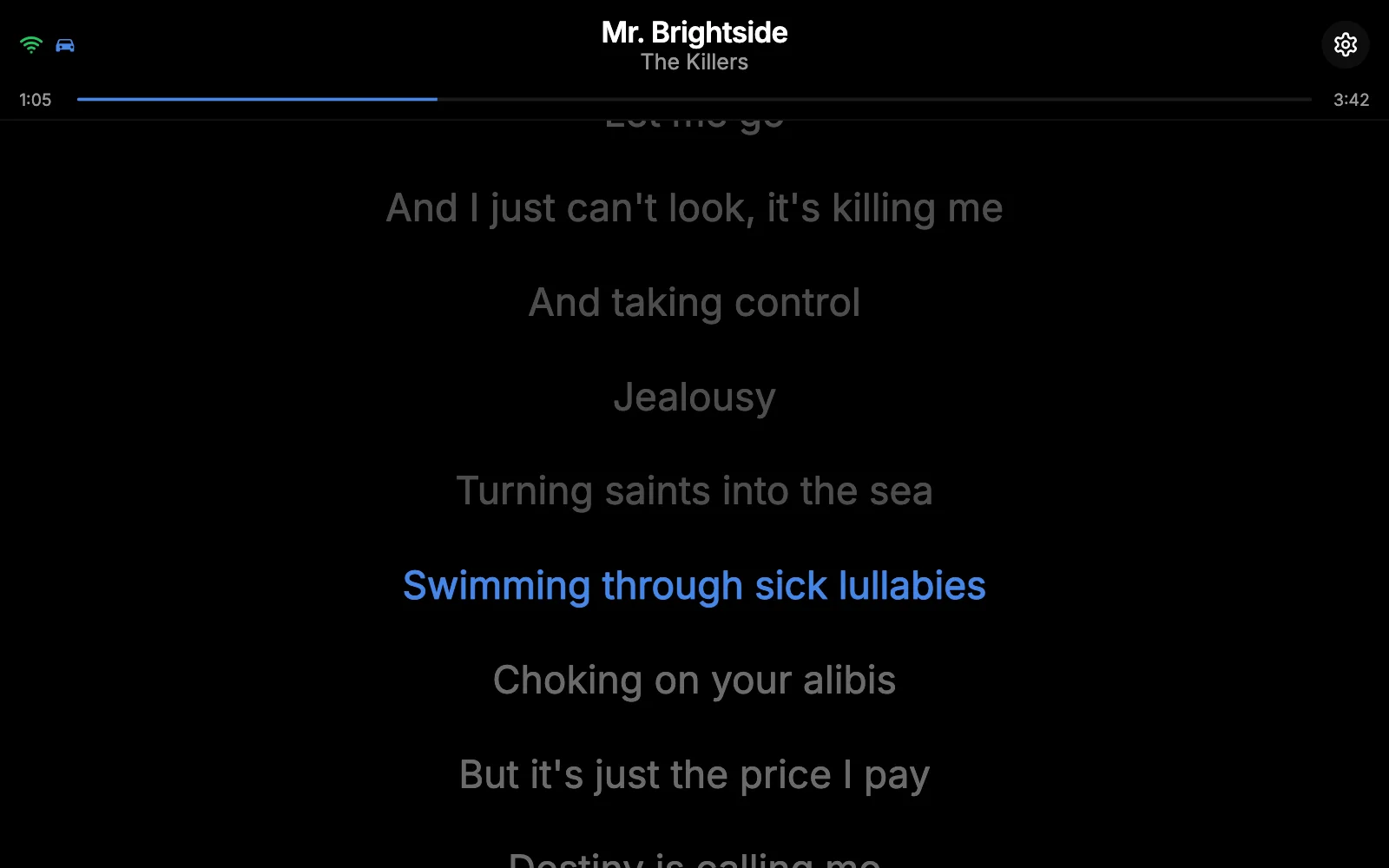
Never a beat behind
InCarLyrics reads the playback position straight from your Tesla, so each line lights up at the moment it's sung, even after you skip or pause. The current line stays centered and the page scrolls itself. All that's left for you is to sing.
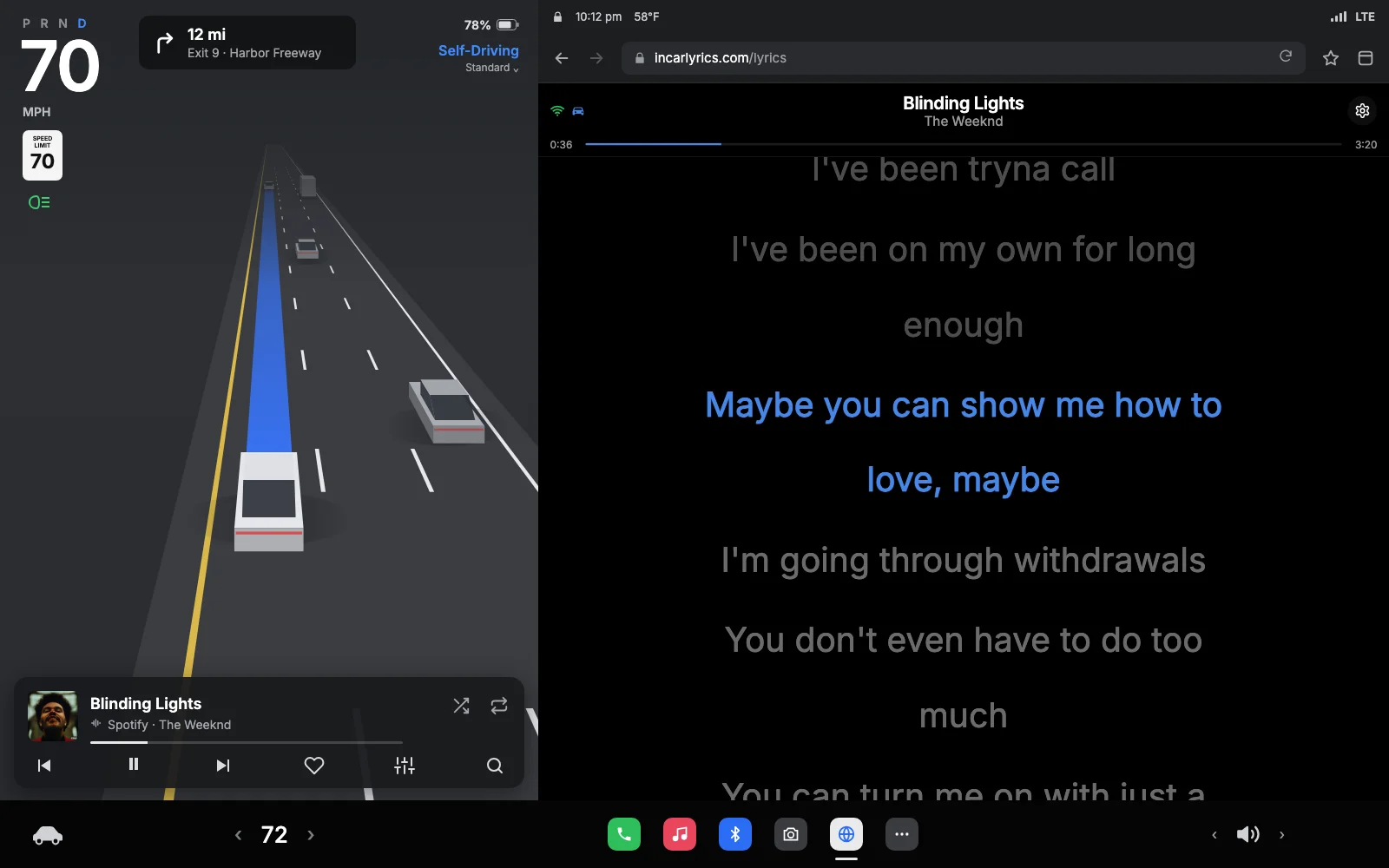
Works while driving
Tesla's browser stays available while you drive, and so do we. Type is sized for a 1.2 m viewing distance with one bright line at a time, so a glance is all it takes. Keep your eyes on the road; let your passengers do the singing.
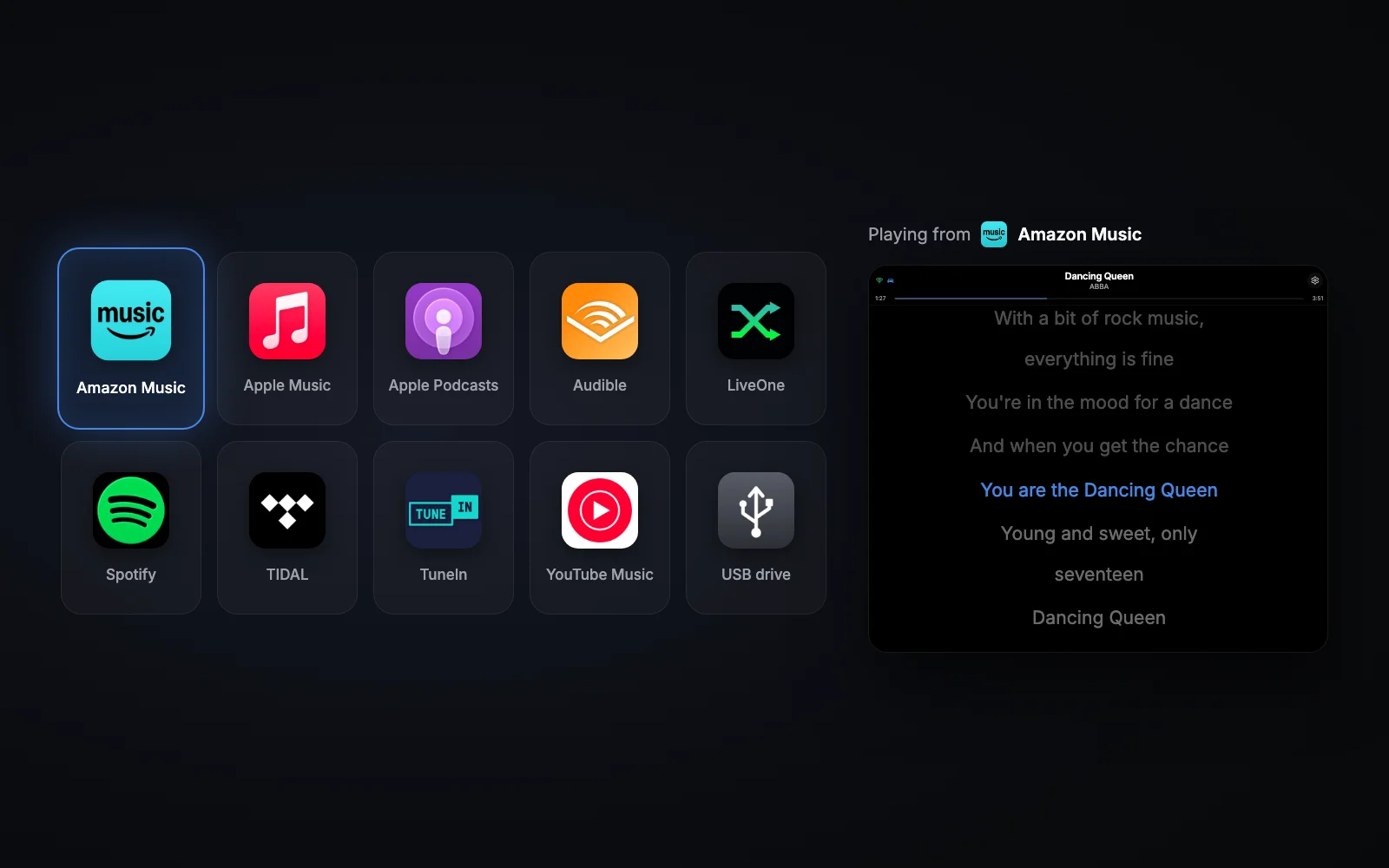
Every music source
We detect what the car is playing, not which app is playing it. Streaming, a phone over Bluetooth, a USB stick full of MP3s or plain FM radio all get the same synchronized lyrics.
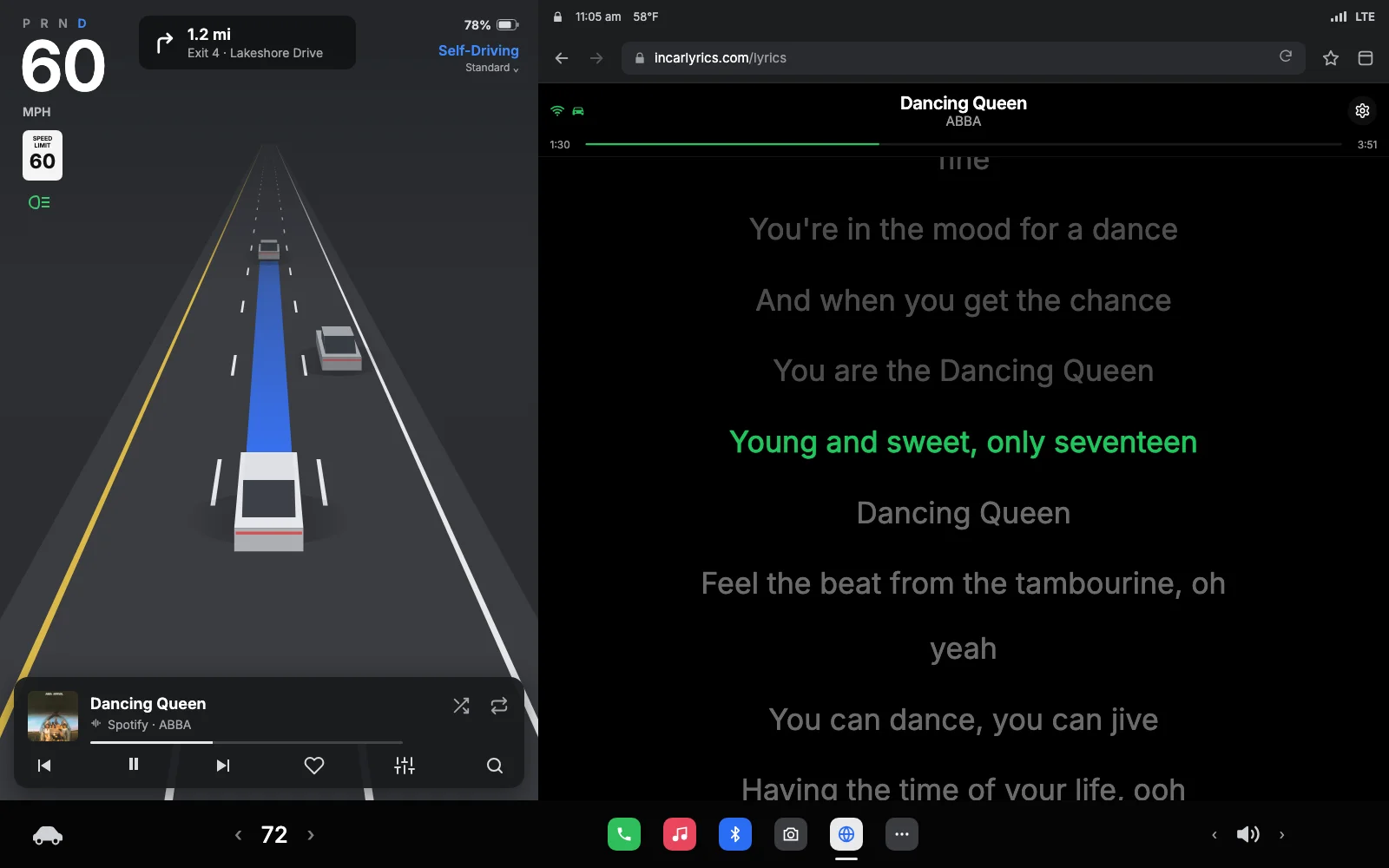
Tuned to your taste
Choose how big the lyrics are and which color lights up the current line. Match your car's exterior paint, your ambient lighting or just your mood. Dark and light themes included.
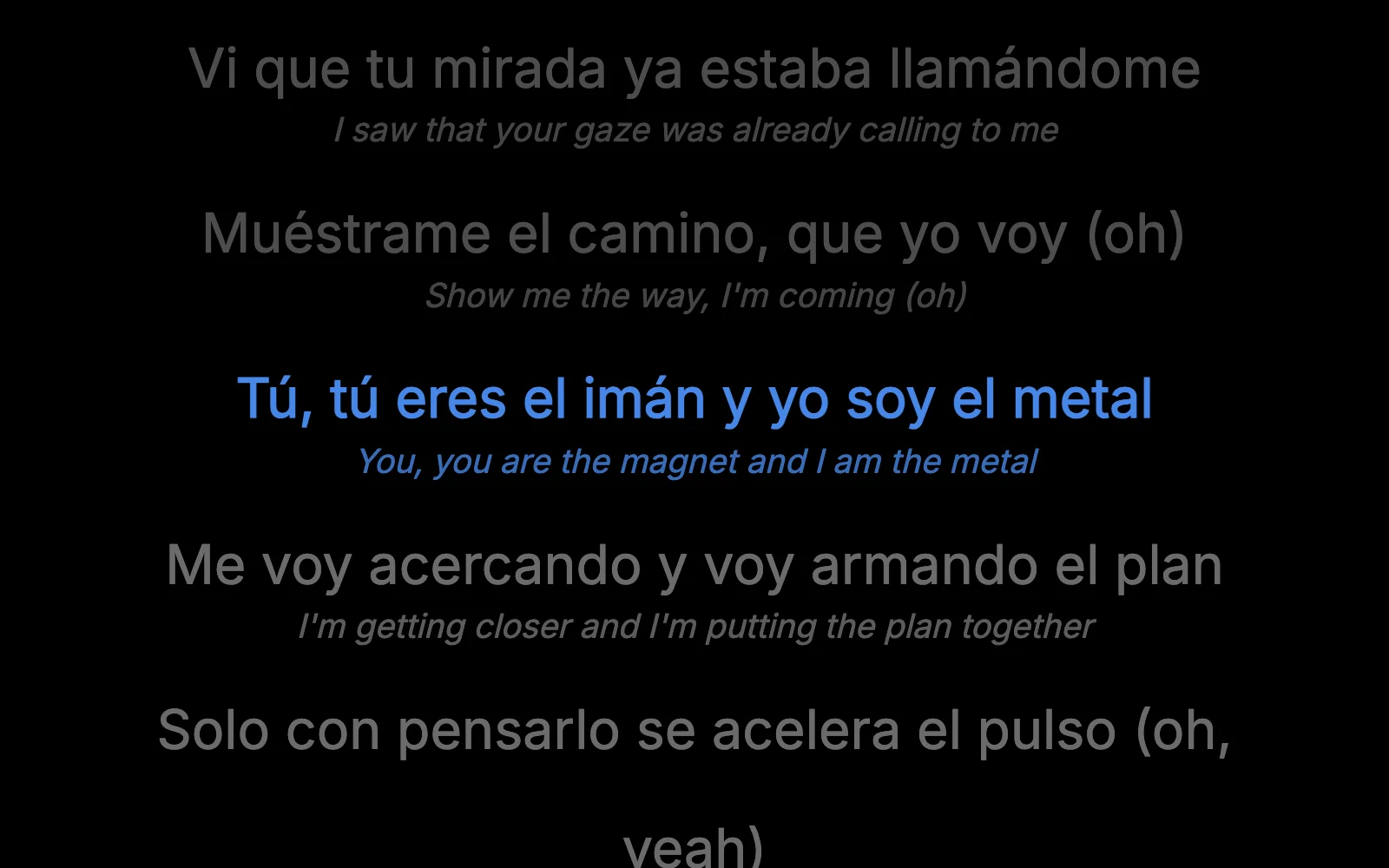
Know what you're singing
Turn on translation and every line gets its meaning right underneath, in your language, while the original keeps the spotlight and the timing. Spanish hits, K-pop, French classics: whatever language the song is in, you'll know what you're singing. Choose from 12 languages.
Every source. No exceptions.
We read what your Tesla is playing, whatever the source, so anything on the car's speakers gets lyrics.

Spotify
Any Spotify account

Apple Music
Native Tesla app

Amazon Music
Native Tesla app

TIDAL
Native Tesla app

YouTube Music
Native Tesla app

Radio
FM and streaming radio

Bluetooth
Your phone, any app

USB drive
Your own files