Ready in seconds.
Your car stays exactly as it left the factory. Play a song, open the browser, and you're singing.
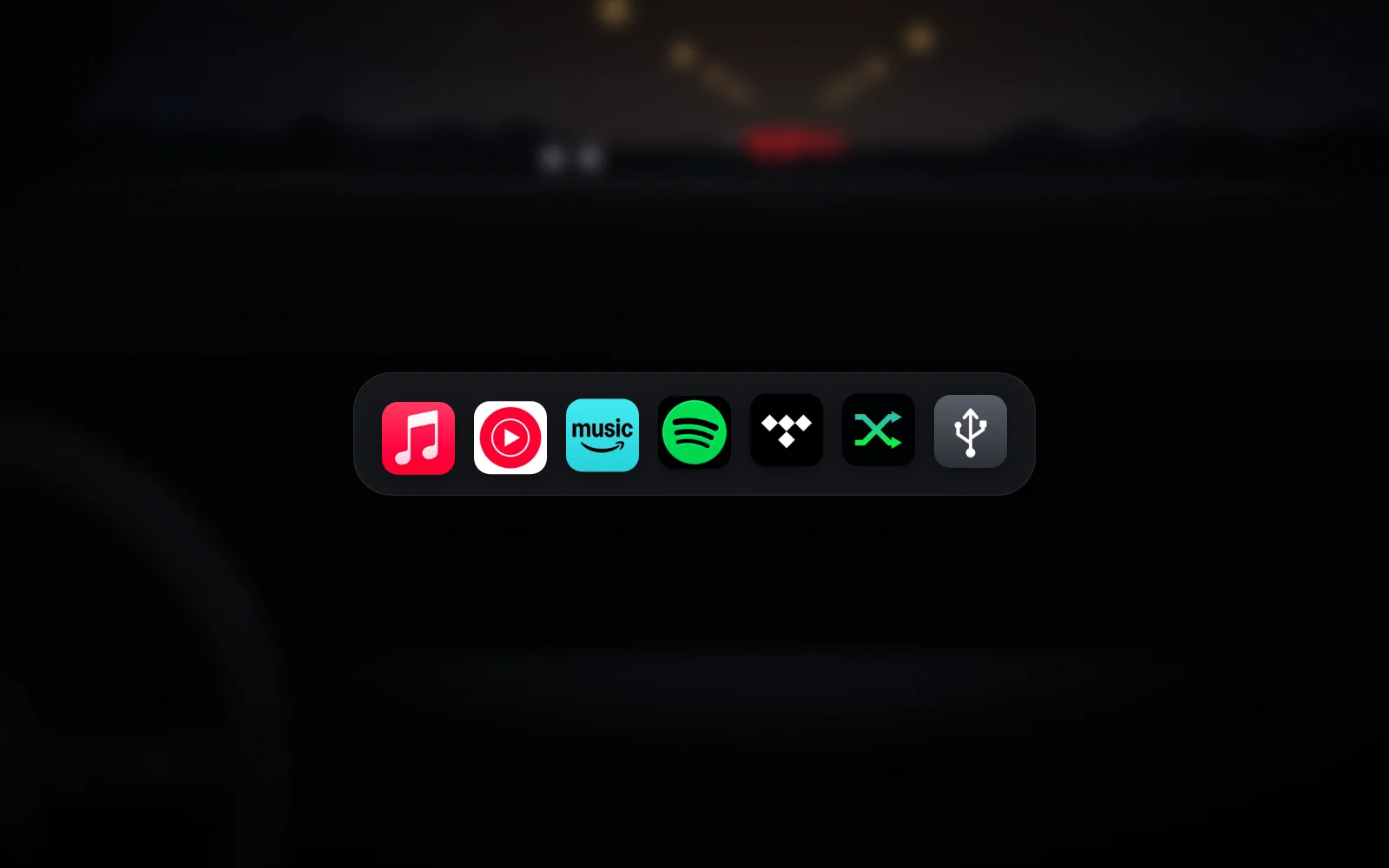
Step 1: Play your music
Start with whatever is already on. Streaming, your phone, a USB drive, even the radio. If the Tesla media player shows it, InCarLyrics can read it.
Tip: skipped ahead or paused? The lyrics stay in step, wherever the song is.
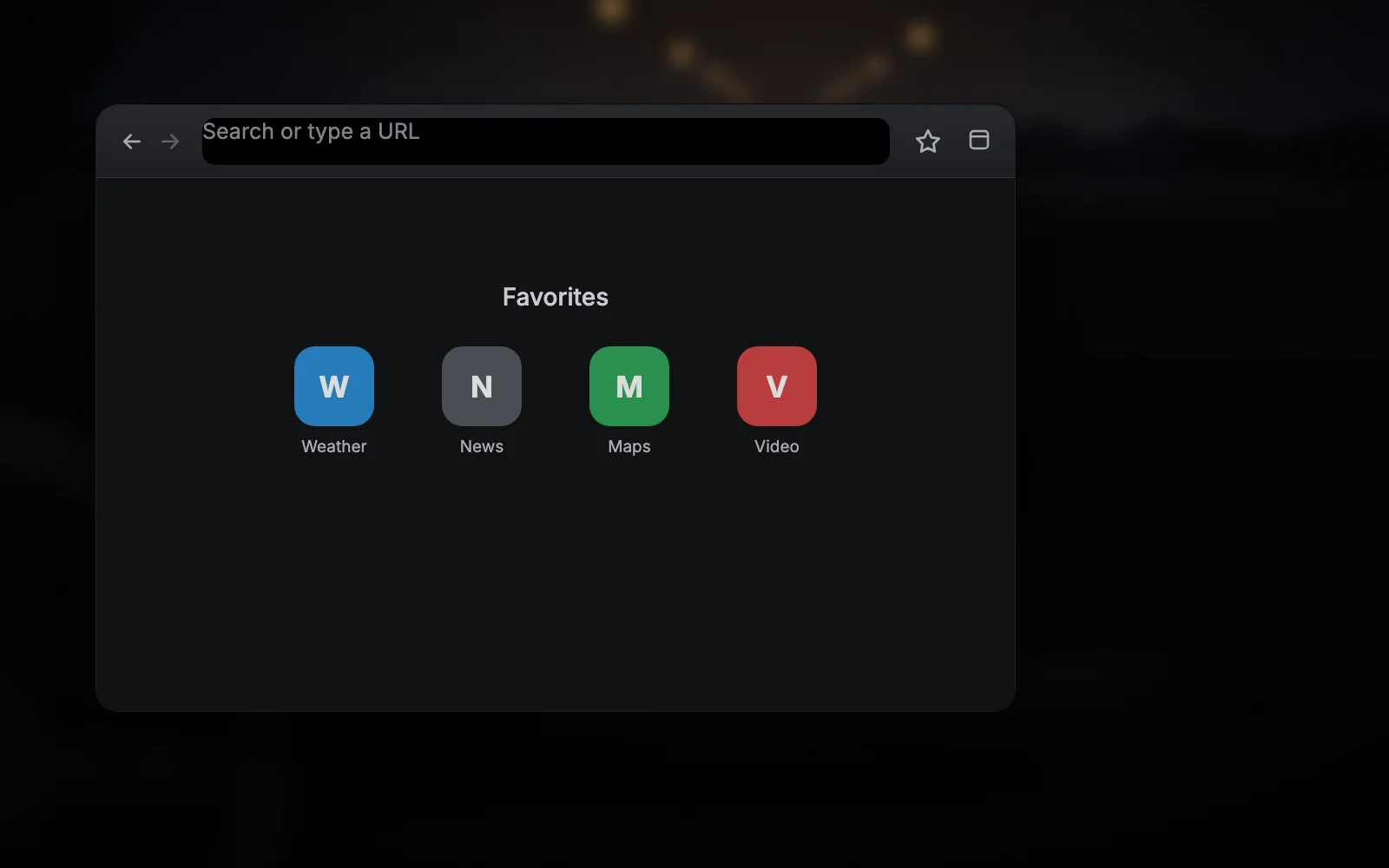
Step 2: Open the browser
Tap the browser icon in the app tray and type incarlyrics.com. Sign in with your InCarLyrics account the first time; after that, the page remembers you.
Tip: bookmark the page. Next time it's one tap from the browser's home screen.
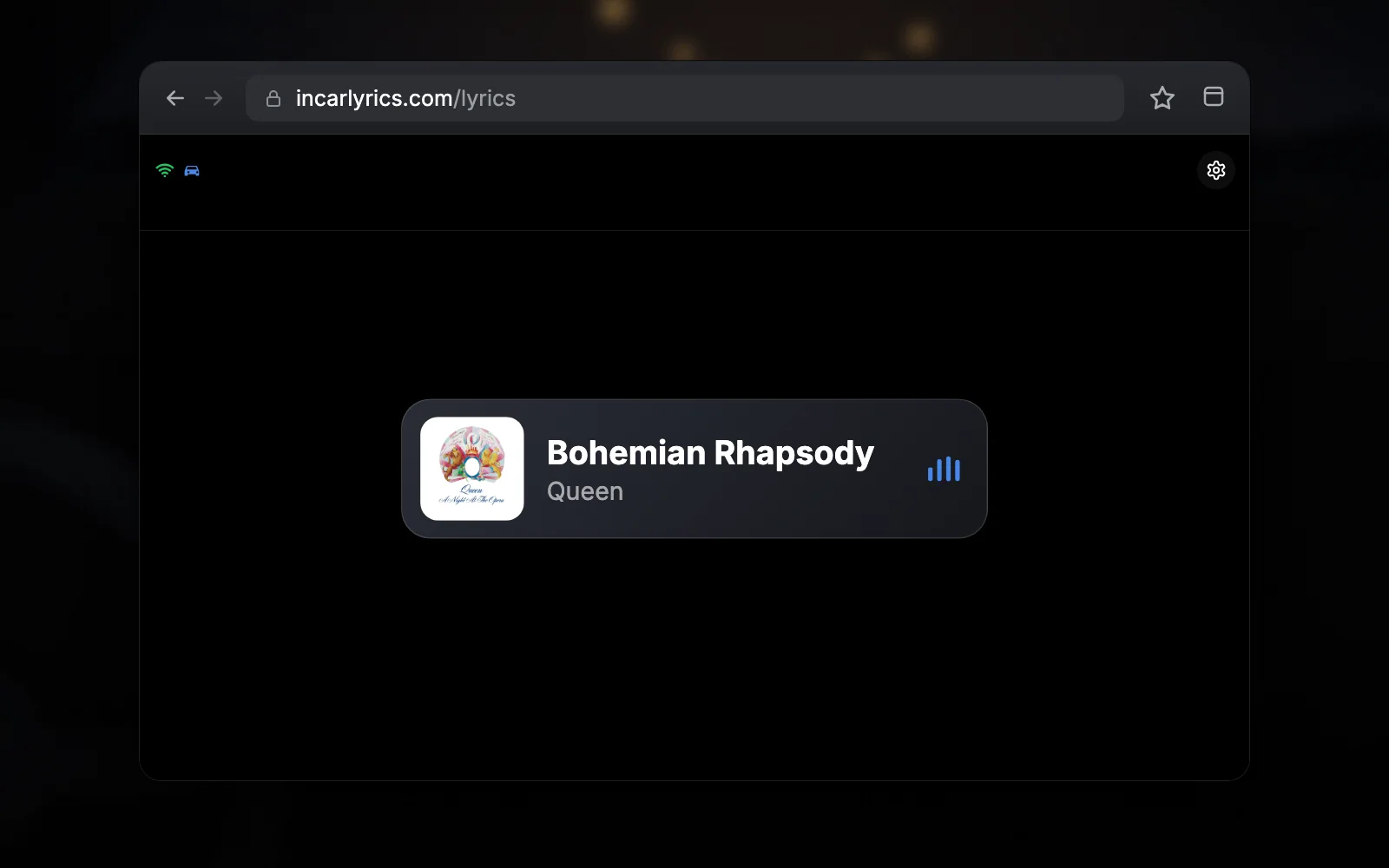
Step 3: Sing
That's it. The current line lights up in blue and the page scrolls with the music. Change tracks, switch sources or hop in tomorrow, and the lyrics follow.
Tip: use the gear icon to change font size, highlight color and theme.
Good to know
Bookmark it once
Save incarlyrics.com in the Tesla browser. Next time it's one tap from the browser's start page.
Any connection works
Premium Connectivity, a phone hotspot or home Wi-Fi all work. Lyrics are a few kilobytes, so data use is close to nothing.
Read-only, always
We only see what's playing. Never your location, driving data or anything else.